How an endpoint Mismatch caused me Hours of Debugging: A Lesson Every Developer Should Learn...🧑💻⚙️
As developers, we often assume that when an API fails, the problem must be buried somewhere deep inside our code. We begin checking functions, validating request bodies, reviewing database connections, and even questioning our logic.
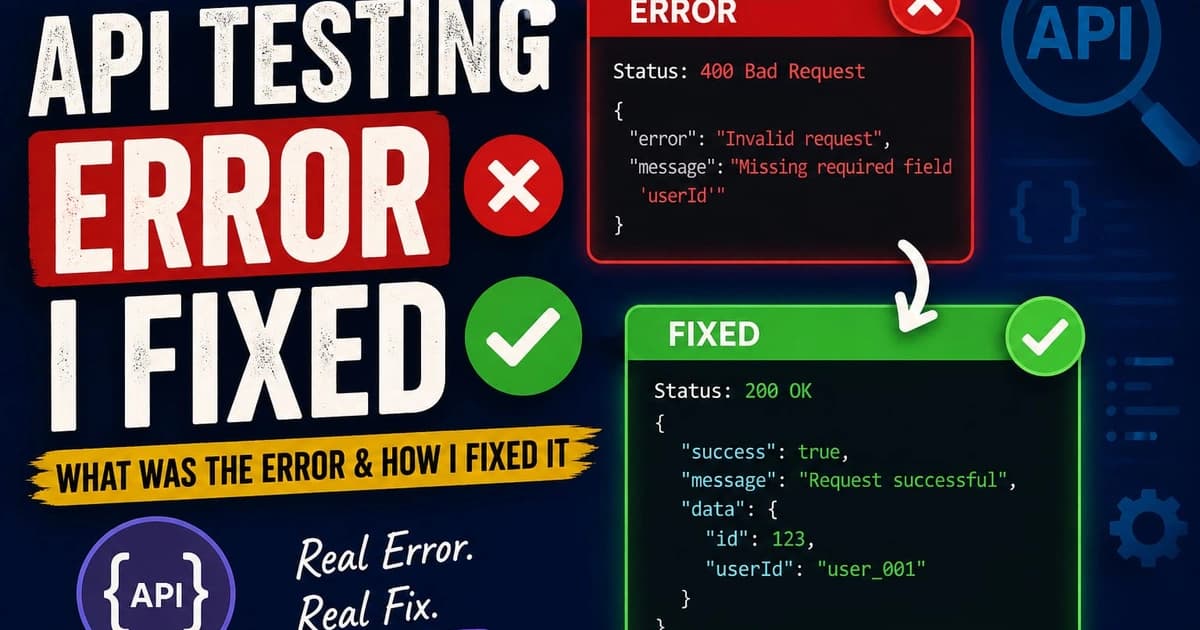
# How an Endpoint Mismatch Cost Me Hours of Debugging: A Lesson Every Developer Should Learn
## Introduction
As developers, we often assume that when an API fails, the problem must be buried somewhere deep inside our code. We begin checking functions, validating request bodies, reviewing database connections, and even questioning our logic. Recently, I experienced a frustrating debugging session that taught me an important lesson: sometimes the problem is not complex at all. Sometimes it is a simple endpoint mismatch.
While testing an API using Postman, I spent several hours trying to understand why my requests were failing. My server was running correctly, there were no syntax errors, and the application appeared healthy. Despite all that, every request continued to fail. After carefully reviewing the project, I eventually discovered that the endpoint I was testing in Postman did not match the route defined in my backend application.
---
## Understanding API Endpoints
An API endpoint is a specific URL through which clients communicate with a server. Each endpoint corresponds to a particular action or resource.
For example:
* GET /users
* POST /users
* GET /products
* POST /register
Endpoints serve as entry points into your application's functionality. If the client sends a request to the wrong endpoint, the server cannot process it correctly because it does not know where the request should go.
Think of endpoints as house addresses. Even if you have the correct city and street, arriving at the wrong house means you will not reach your intended destination.
---
## The Problem I Encountered
I was testing an API using Postman and expected to receive a successful response. Instead, I kept receiving errors. My first reaction was to suspect that my backend code contained a bug.
I reviewed my controllers.
I reviewed my request payload.
I reviewed my database configuration.
I restarted the server multiple times.
Nothing seemed wrong.
The frustrating part was that everything appeared correct. The application was running, and no obvious errors were visible in the terminal. Yet the API refused to work.
After several rounds of debugging, I decided to compare the route definitions in my backend with the URLs I was using in Postman.
That was when I found the issue.
The endpoint I was testing did not exactly match the endpoint registered in the application.
---
## What Is an Endpoint Mismatch?
An endpoint mismatch occurs when the URL being requested by the client differs from the URL defined by the server.
For example:
Backend Route:
POST /api/register
Postman Request:
POST /register
Although the difference appears small, these are two completely different routes from the server's perspective.
Because the server could not find the requested route, it returned an error instead of processing the request.
---
## Why This Error Is Common
Endpoint mismatch errors are extremely common among beginner and intermediate developers because they often result from small details such as:
* Missing route prefixes
* Typographical errors
* Wrong API versions
* Incorrect HTTP methods
* Missing slashes
* Wrong port numbers
These mistakes are easy to overlook because developers naturally focus on the application's logic rather than the URL being called.
---
## How I Solved the Problem
The solution was surprisingly simple.
First, I reviewed all routes defined in the backend application.
Second, I compared those routes with the URLs configured in Postman.
Third, I verified the HTTP methods being used.
Finally, I corrected the endpoint and repeated the test.
Immediately after making the correction, the API returned a successful response.
The bug that had consumed hours of debugging was resolved in minutes once the true cause was identified.
---
## Key Lessons I Learned
This experience reinforced several important principles that every developer should remember:
### 1. Verify the Endpoint First
Before diving into application logic, confirm that the endpoint in your API client matches the route defined in your backend.
### 2. Check the HTTP Method
A route expecting POST will not respond correctly to GET requests.
### 3. Review Route Prefixes
Frameworks often use prefixes such as:
/api
/api/v1
/api/users
Missing these prefixes can break requests.
### 4. Use Logging
Adding logs can help determine whether a request is reaching the intended route.
### 5. Be Systematic
Debugging becomes easier when you eliminate possibilities one by one instead of guessing.
---
## Why Debugging Matters
Many developers view debugging as an obstacle. In reality, debugging is one of the most valuable learning experiences in software development.
Every bug teaches us:
* How systems work
* How to investigate problems
* How to think critically
* How to pay attention to details
The knowledge gained from solving a bug often stays with us longer than the knowledge gained from writing code that works on the first attempt.
---
## Final Thoughts
My endpoint mismatch error taught me a lesson that I will carry throughout my software development journey. Not every problem requires a complex solution. Sometimes a single misplaced character, missing prefix, or incorrect route can cause an application to fail.
The next time an API refuses to cooperate, take a moment to verify the basics before diving deep into the codebase. Check the endpoint. Check the method. Check the port. Check the route definitions.
You may discover that the solution is much closer than you think.
Happy coding, and may your next API response return a satisfying 200 OK.
Comments